
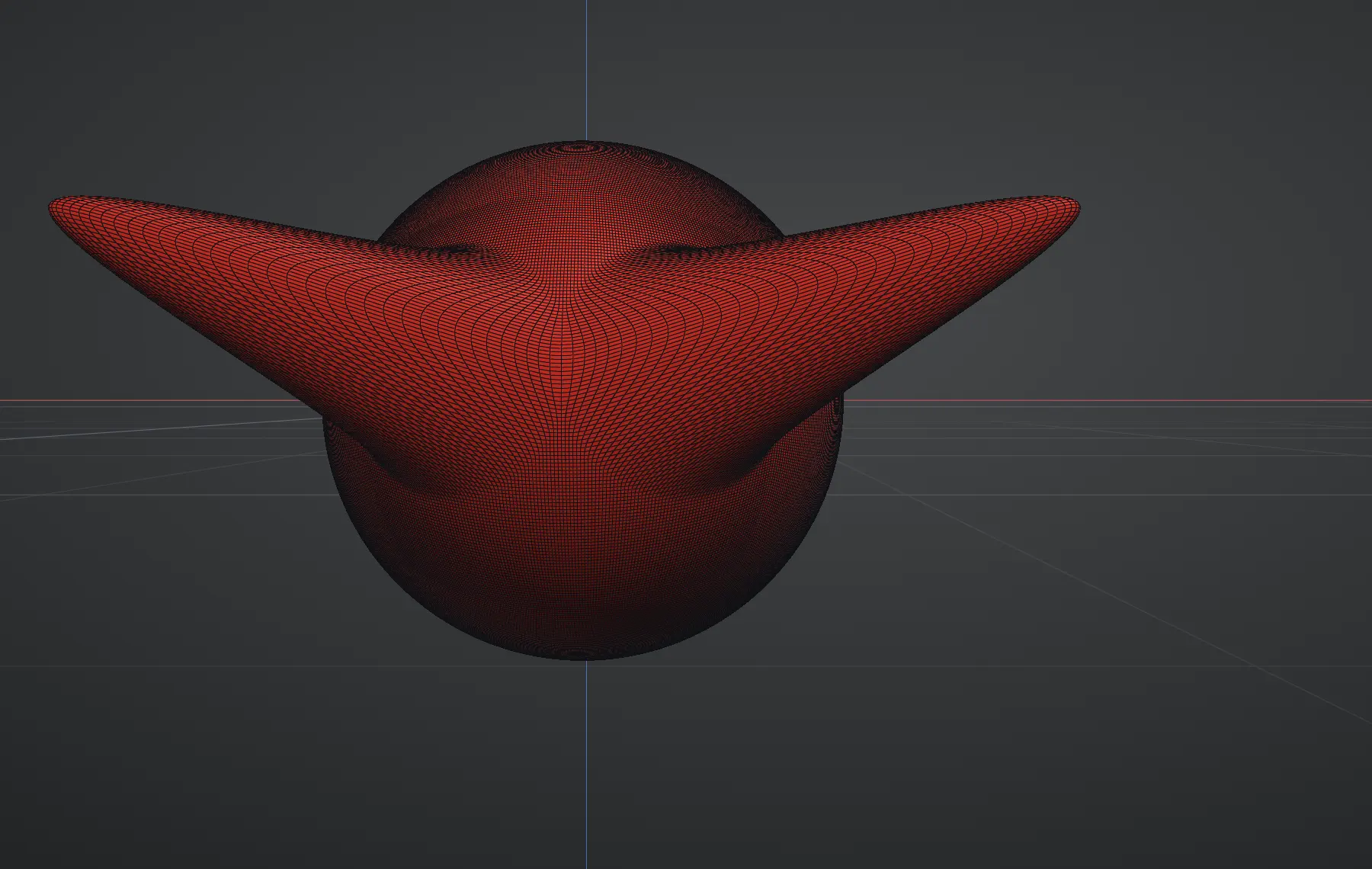
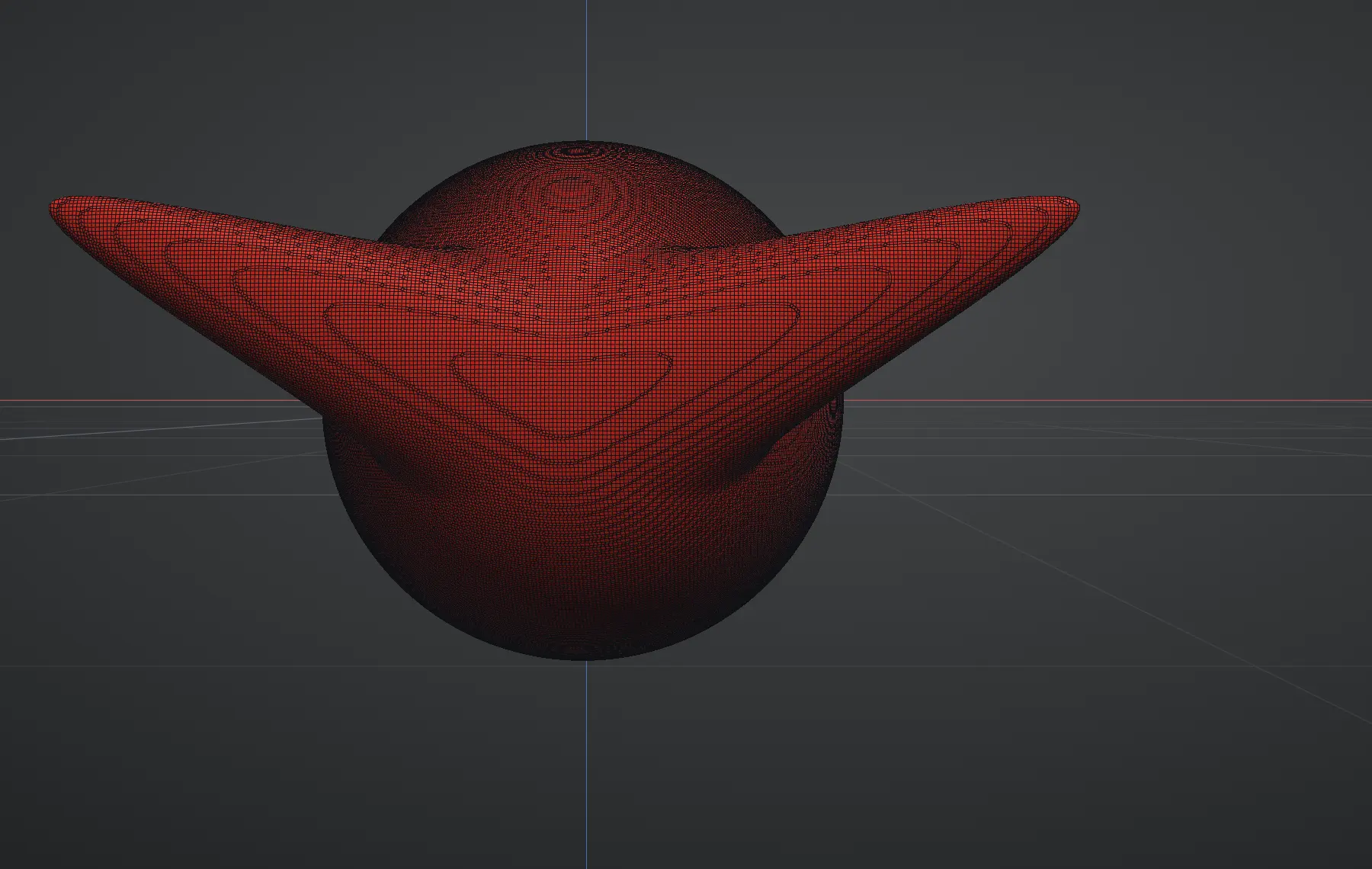
Sculpting deforms triangles. Pull far enough with Grab, inflate hard enough, move enough mass, and parts of the mesh end up starved of geometry — long stretched triangles that make brushes feel uneven and detail impossible. Remesh fixes it by rebuilding the whole surface with fresh, evenly-sized quads that follow the current shape.
Using it
The controls live in the Remesh section of the panel:
- Resolution — the density of the rebuilt surface, from 32 to 512. Higher rebuilds from more, smaller quads: more faithful to fine detail, more triangles. The default of 256 suits most mid-sculpt cleanups.
- Smoothing — how many polishing passes even out the rebuilt surface, from 0 to 16 (default 8). Lower keeps the result crisper but can leave faint grid banding.
- Sharpness — how crisp creases and corners stay: 100% keeps hard edges sharp, 0% (the default) lets them round over, and values in between blend the two. Raise it for hard-surface shapes whose edges should stay crisp.
- Fill holes: On / Off — cap open holes before the rebuild, or keep an open mesh's edges open. Off by default.
- Keep sets: On / Off — carry your mesh sets across the rebuild: every new vertex takes the set of the nearest point on the old surface, and the count in the Mesh Sets section follows. Off starts the rebuilt surface with no sets.
- Remesh ⬡ — one click rebuilds the active layer's surface.
With Symmetry on (X, Y, Z or any combination), the rebuilt surface is exactly symmetric across every active plane: the half on one side of each plane is mirrored onto the other, so every vertex has a twin and symmetric strokes move the same vertices on both sides, however small the brush.
Big meshes, progress and Cancel
Remesh takes meshes of up to 25 million triangles: a dense sculpt, or an import made of many parts that you want joined into one solid. Above that it tells you how big the mesh is and suggests splitting it with Split loose and remeshing the parts separately, or merging fewer parts.
- It works in the background. The studio stays responsive while Remesh runs, and the card in the middle of the view shows each step as it happens: Reading mesh, Building search structure, Voxelizing (with a percentage), Extracting surface, Snapping to surface, Cleaning up, carrying the mesh sets across, and Uploading.
- Cancel on the card stops the remesh at any step before the upload. The mesh stays exactly as it was, and so does your Undo history.
- Memory. A very large remesh needs a lot of memory: a gigabyte or two for a 12-million-triangle import at Resolution 512. When the device reports that it has little memory, Remesh asks before it starts and suggests a Resolution that fits.
- Undo brings back the mesh you remeshed when it had up to 3 million vertices. A bigger one is too large to keep for Undo, so save before you remesh it.
The shape stays; the wiring underneath is replaced. Because the new mesh is a fresh surface, the sculpt's shape is what survives — detail finer than the chosen resolution is absorbed, so remesh at a resolution that matches the detail you want to keep. Undo restores the previous mesh if the result isn't what you wanted.
- Open holes are filled (with Fill holes on). An imported mesh with a missing face, or any open edge loop, gets capped before the rebuild, so the result is always one closed surface. A flat opening is closed flat; a curved one gets a smooth fill that follows its rim.
- Sharp edges stay sharp (at full Sharpness). Creases and corners — a box edge, a cut, a hard plane change — keep their edge instead of being rounded over. Gentle curvature stays smooth.
- Clean quads. The rebuilt surface is an even grid of near-square quads. Turn on View ▸ Wireframe to see the result.
Close holes without remeshing
To fill openings but keep the mesh you have, use Close holes in the Topology panel's Mesh row, next to Flip normals and Weld. It fills every hole on the active layer with a patch that carries on the curve of the surface around it — a hole in a sphere fills with a dome, not a flat lid — and leaves the rest of the mesh untouched.
- Max hole size — only openings up to this size (a percentage of the model's overall size, 25% to start) are closed, so a large open edge such as the border of a plane or the neck of a bust stays open. 100% closes everything.
- It reports what it did: "Closed 2 holes, skipped 1 larger than the limit."
- Two open edges lying on top of each other are a seam, not a hole: those are left open, and Weld is the tool that joins them.
- The mask, paint and mesh sets carry onto the patch, and one Undo takes it back. Like Weld, it changes the topology, so it asks first when the layer has subdivision levels above the base.
When to reach for it
- After big proportion moves — long Grab pulls, hard inflates, limb-scale rearrangement.
- When brushes start behaving unevenly — same stroke, different response in different areas — that's stretched topology talking.
- After merging layers — merged pieces remesh into one continuous solid: the intersections between parts become real surface. Merge all then Remesh is the standard way to turn a multi-part assembly into a single sculptable body — and the way to prepare one for 3D printing.
- Before a detail pass — clean, even topology takes fine detail predictably.
Booleans: join, cut and intersect layers
Tools ▸ Boolean… uses the same remesh to combine two layers into one solid. With the layer you want to keep active, pick the other layer in With and one of three operations:
- Union makes the two one solid, as Remesh does for overlapping parts of one layer.
- Subtract cuts the other layer out of this one: a hole, a socket, a bite.
- Intersect keeps only where the two overlap.
The result replaces the active layer at the Resolution set in the Remesh section, so set that first (256 and up for a fine cut). The other layer is left exactly as it is; hide or delete it afterwards if it was only a cutter. One Ctrl+Z brings the layer back. Both layers should be closed: an open mesh has no inside for the operation to work with.
Remesh and Subdivide are partners, not rivals: Remesh sets the flow of the mesh, Subdivide raises its density. A common rhythm is block → remesh → subdivide → detail.
Note that remeshing replaces the topology outright, so surface data tied to the old vertices goes with it: the mask is cleared, and painted colour doesn't carry across. Settle the topology first, paint after.