
Re:Form runs entirely in your browser — there is nothing to download or install. Everything starts at reformsculpt.com/app.
Create an account
Open the app and you'll land on the sign-in screen.
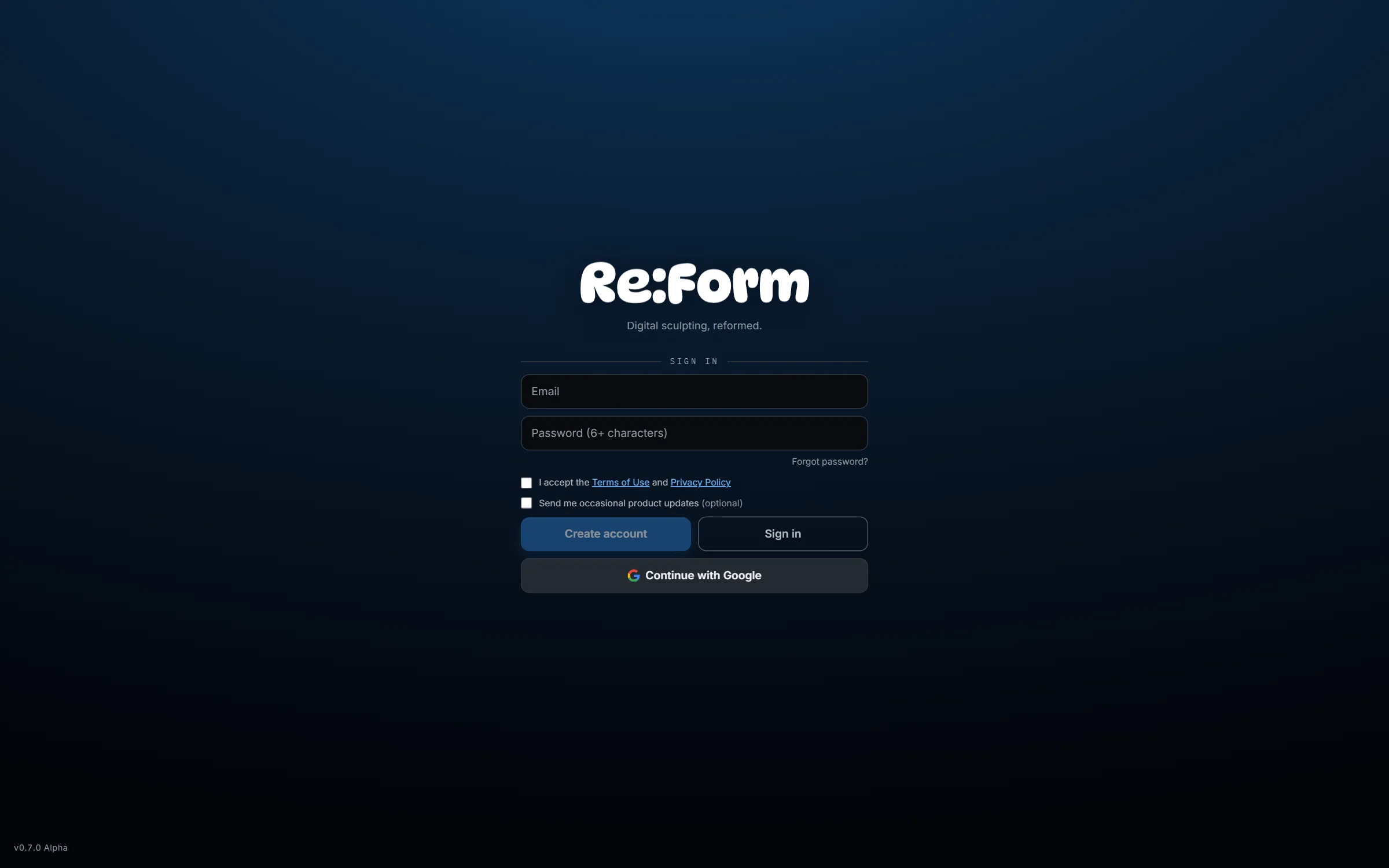
You have two ways in:
- Email and password — enter an email, choose a password of six or more characters, tick the Terms of Use and Privacy Policy checkbox, and press Create account. If you already have an account, the same fields plus Sign in get you back in.
- Continue with Google — one click, using a Google account.
The product-updates checkbox is optional; leave it unticked if you'd rather not hear from us.
Forgot your password? The Forgot password? link under the password field sends a reset email.
Pick a starting point
Once you're signed in, the start screen becomes a project browser.
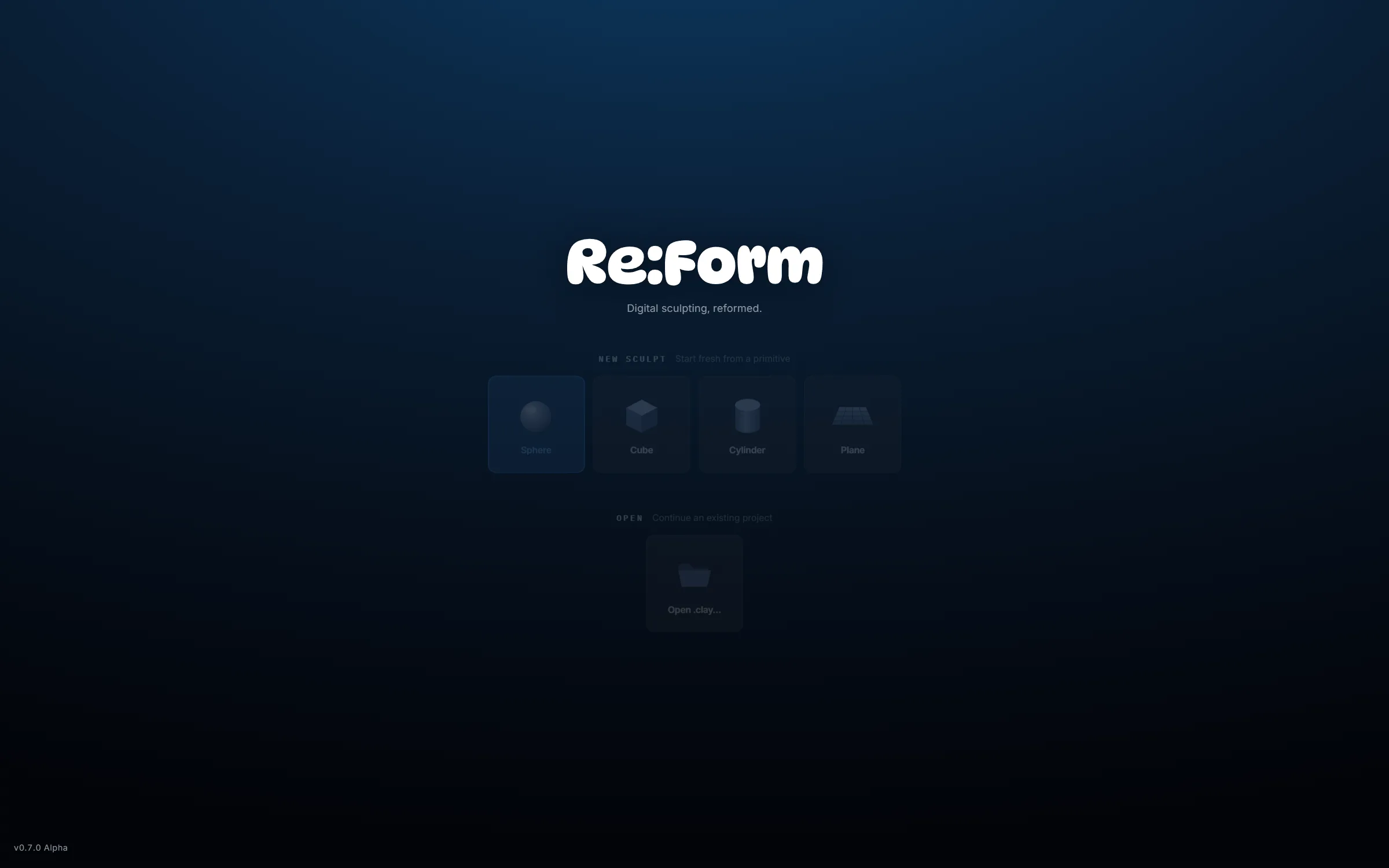
- New sculpt — start from a Sphere, Cube, Cylinder, Cone, Capsule, Torus or Plane, a ready-made Head or Ear base mesh, or Blockout, an empty scene in the Blockout tool. The sphere is the classic choice for organic forms; a Capsule is a limb or a torso, a Torus a ring or a handle; the Head skips straight to the likeness. File ▸ New… in the studio also has the Egg, Teardrop, Pebble and Rounded cube.
- Open — the projects you saved with your account, from any device you signed in on.
- Autosaves — Re:Form keeps dated snapshots in your browser as you work, so recent sessions are waiting here.
Click the sphere and you're sculpting. The studio tour walks through what you're looking at next.
Usage numbers
Usage numbers are off unless you choose to share them: the sign-up card asks, in an optional box that starts unticked. When sharing is on and you are signed in, the studio counts how it is used and sends those counts to Re:Form: which tools, commands and shortcuts were used, how many strokes each brush made, which shape a sculpt started from, how long the studio was in use, and how many errors happened. They are counts and durations only. Your sculpts, file and project names and anything you type are never part of them, and a session is kept without naming your account. To switch it on or off later, open Edit ▸ Preferences ▸ General and change Share usage numbers. The privacy policy has the details.
Language
The studio is in English, Spanish, French, German, Portuguese (Brazil), Italian, Japanese, Chinese (Simplified), Korean, Russian and Polish. It starts in your browser's language when it has it. To pick another, open Edit ▸ Preferences ▸ General ▸ Language: the studio changes at once, without a reload. Names you give things — projects, saved brushes, shares — are never translated. The guides and the site are in English for now.
Free and Pro
Every account starts on the Free plan: the complete toolset — every brush, layers, masking, symmetry, remeshing, painting — with a budget of 12.5 million triangles, OBJ and STL import/export, and personal, non-commercial use. Your models and exported meshes are never watermarked (Free renders, turntables and timelapses carry a small Re:Form mark), and no card is required. Projects save to your account on every plan.
Pro ($9.99/month or $99/year) raises the budget to the full 80 million triangles, unlocks GLB and FBX import/export, saving and opening .clay project files on your computer (File ▸ Save local… and Open local…), 4096 px and 8K renders, and your own watermark (or none), and adds a commercial license. See pricing for the full comparison. Nothing about how the brushes feel or how good your sculpt can look is ever gated.
When something you do on Free reaches a Pro limit (the triangle budget, the share links, a Pro export or render size), the studio says so in a small window: what you reached, what Pro gives for it, and the price, with Upgrade buttons for monthly or yearly. The checkout opens in a new tab, so your sculpt stays open in the studio, and when you come back to it Pro is on without reloading. The step you tried is simply not done: nothing is changed and nothing is lost. Not now closes the window.