
You could learn every brush before touching the sphere, or you could make something lumpy in the next five minutes. Do the lumpy thing. Three brushes carry most of a sculpt: Draw, Inflate and Smooth.
Make a stroke
Start a new sculpt (the sphere). Left-click and drag across it. That's the Draw brush — it raises the surface outward along its own normal, like dragging a thumb of clay onto the form.
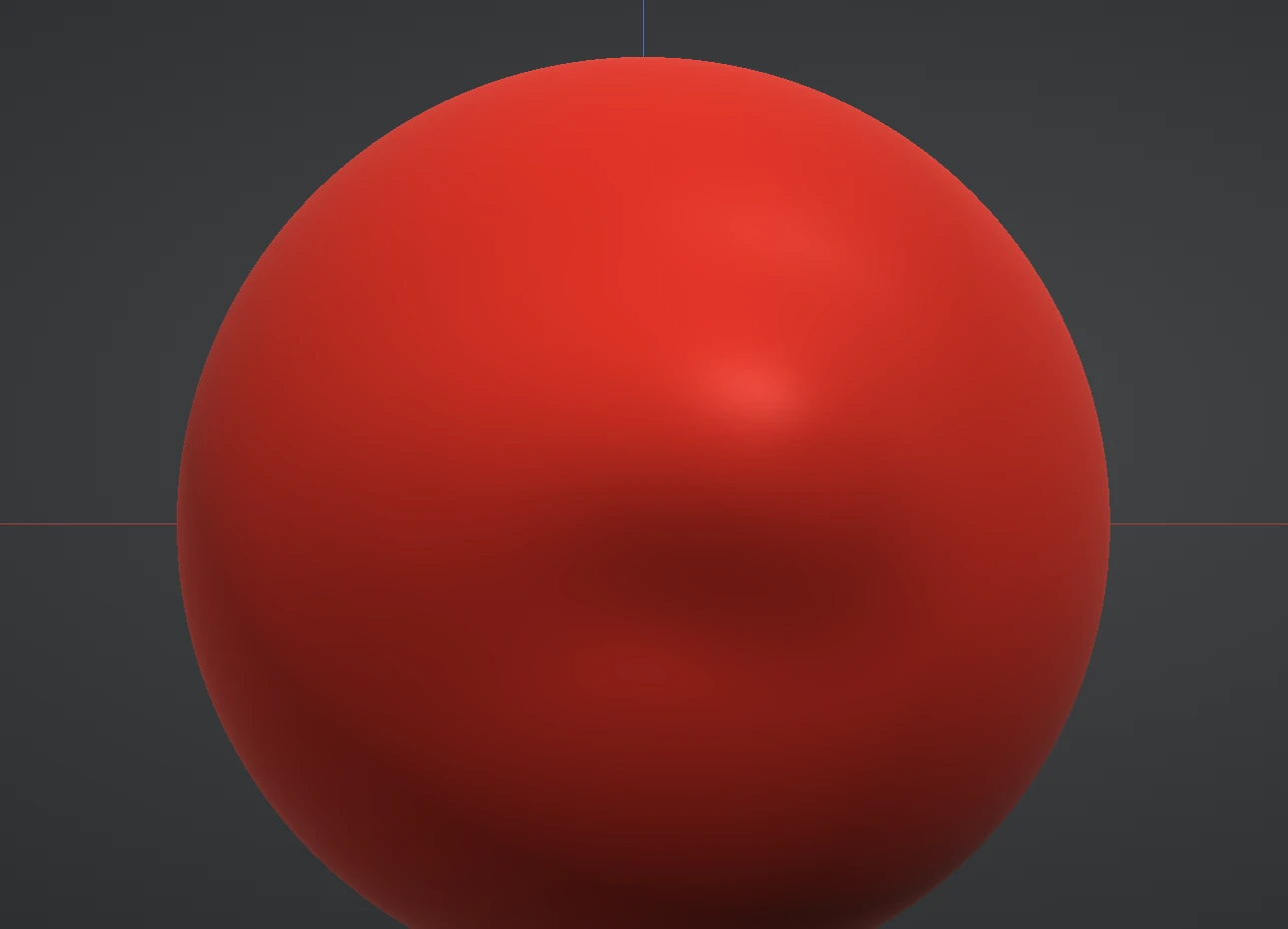
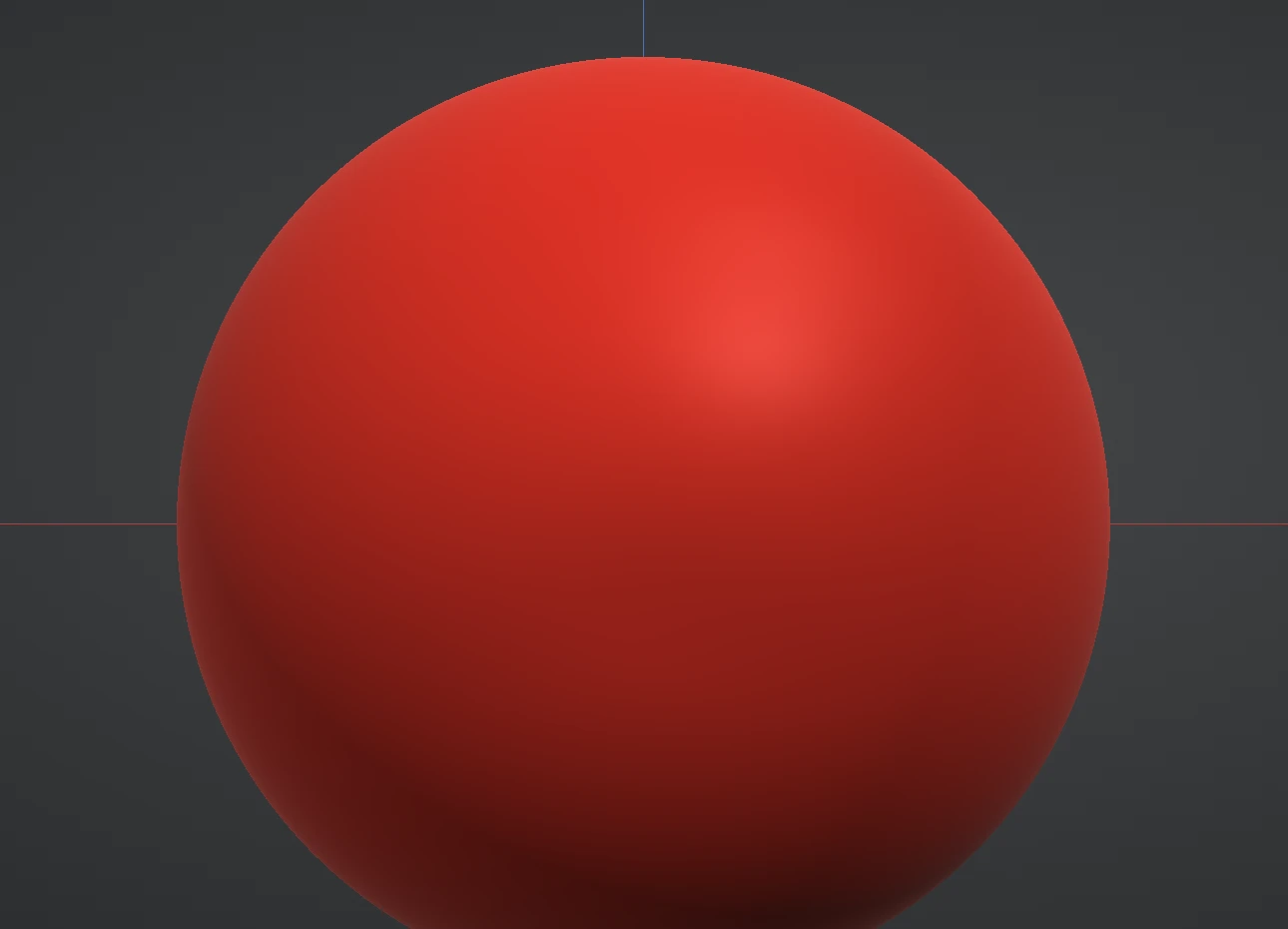
Now the two modifiers you'll use constantly:
- Hold Ctrl and stroke — the brush inverts. Draw carves in instead of building out.
- Hold Shift and stroke — you get Smooth without switching brushes. This is the single most useful shortcut in the app: build with a stroke, soften it with a Shift-stroke, build again.
And when anything goes wrong: Ctrl+Z. Undo in Re:Form is deep and exact — strokes, mask strokes, transforms, everything. Ctrl+Shift+Z redoes.
The build–smooth rhythm
Sculpting is not placing perfect strokes; it's a rhythm:
- Block with Draw and Inflate — push the big shape around without worrying about surface quality.
- Shift-smooth the lumps — soften until the form reads.
- Repeat smaller — each round works at a finer scale than the last.
Rough is fine. Rough is the process.
Pick a different brush
Right-click the Brush tool on the left rail (or click the brush preview card at the top of the right panel) to open the picker. Hover any brush for a description. When you're ready for the full set, the brush guides break them down group by group: Build, Surface, Planes, and Grab.
Notice both sides changing at once? Symmetry X is on by default — every stroke mirrors across the centre line, which is exactly what you want for faces, bodies and most props. The switch lives in the Symmetry section of the panel and on the Symmetry button of the options bar. More in Symmetry & masking.
When the surface runs out of resolution
Strokes sculpt real geometry — at some point the mesh runs out of triangles for the detail you're asking for and strokes turn faceted. That's what Subdivide ↑ in the Topology section is for: it quadruples the triangle count each press. Go up when detail demands it, not before — the subdivision guide explains the budget.
Next: dial in how a brush feels in Size, strength & falloff.